
Visual Components

Visual Components

Expertise in manufacturing production design since 1999.

Drive digital transformation with 3D manufacturing simulation

Why simulate manufacturing processes?

When you physically reorganize your processes, add new equipment, or upgrade your workflow, you may disrupt production schedules, inflate expenses, and cause systematic disarray. Save time and production costs by addressing all the possible expensive mistakes you can where it should happen – on the planning table with manufacturing simulation!

visual-bg-transparant

Quality Services

Professional Services

Experience

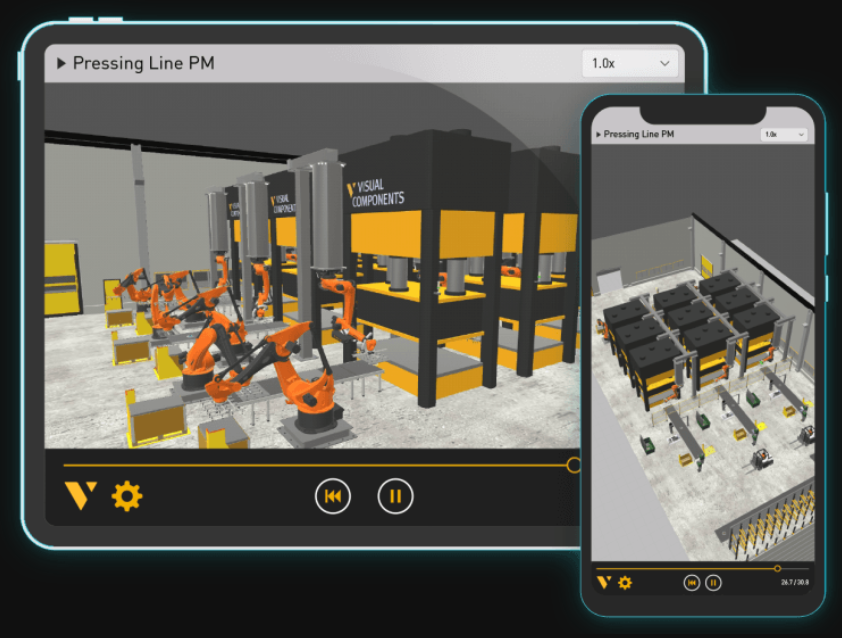
Collaborating with non-users? No problem. Export and share simulations easily via our free app for seamless viewing anywhere.
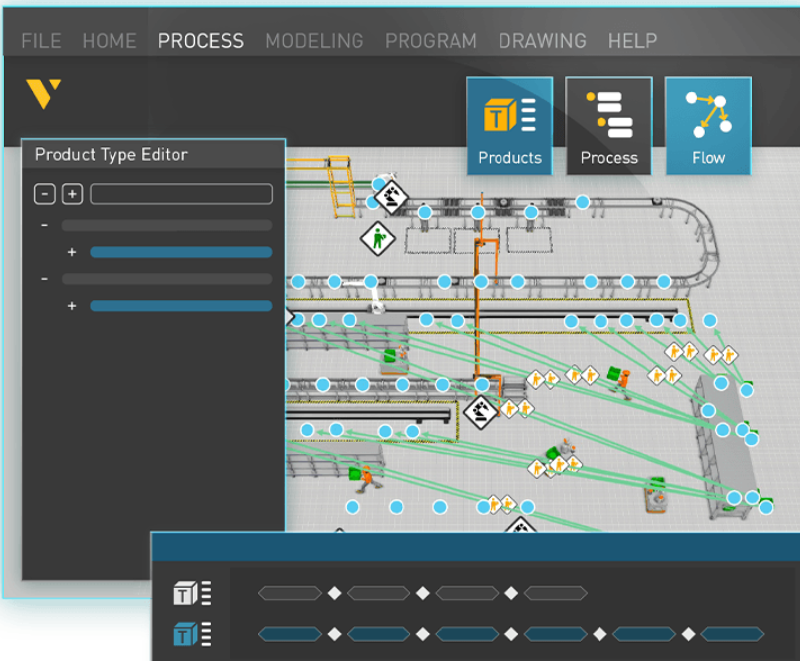
Process modeling

Set up layouts easily with a visual approach. Create products, link processes, and flows seamlessly.
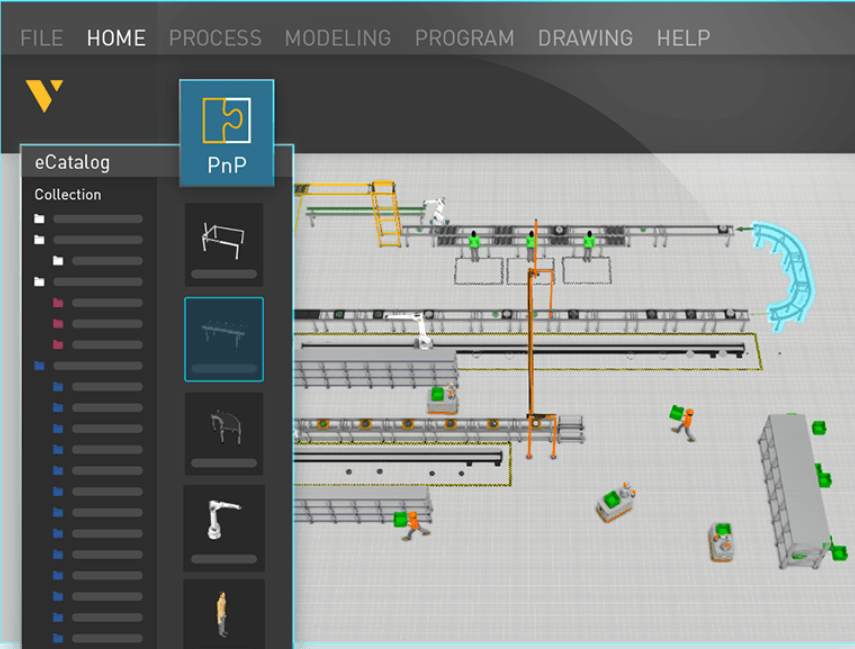
3D layout configuration

Quickly build layouts by dragging components from the eCatalog or CAD files and connecting them with plug-and-play functionality
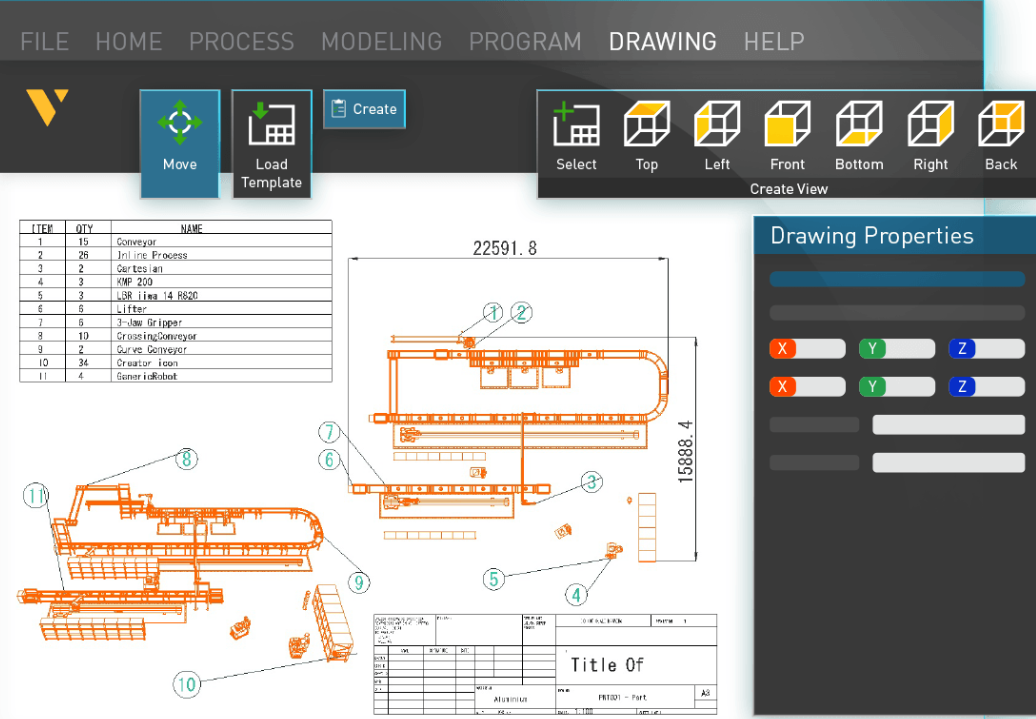
Start with existing data

Use 2D drawings and point clouds to start in Visual Components. Import layouts into 3D, simulate, and export with BOM.
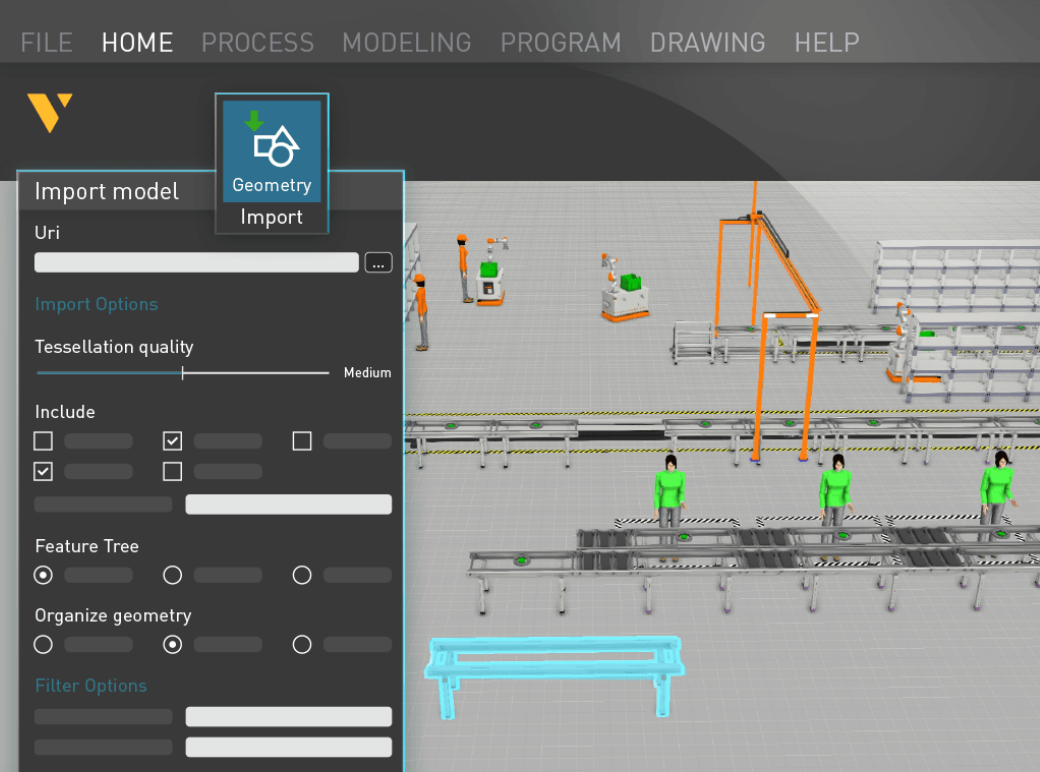
CAD file import

Import CAD files directly into 3D. Visual Components supports major CAD formats, including SolidWorks, AutoDesk, and CATIA.
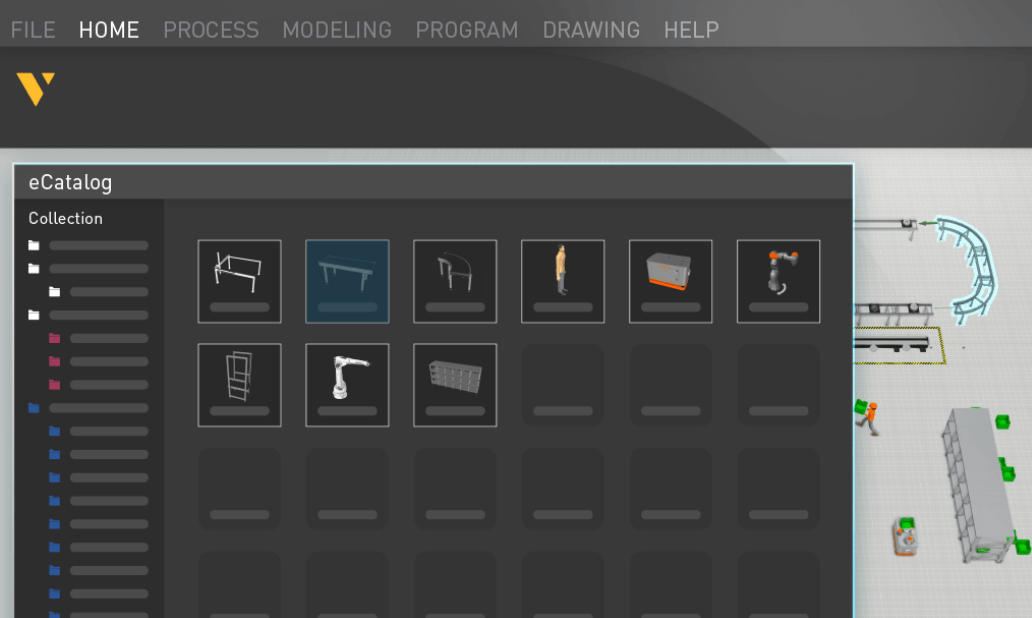
eCatalog

The Visual Components eCatalog offers 3,000+ ready-to-use components, including robots, machines, and equipment. Just drag and drop into 3D to start!

Find the right product for your application

Whether you’re looking for a tool to quickly design and present production solutions, or want to connect real-life control systems and robot controllers to your simulations, we’ve got you covered. Check out and compare our family of 3D manufacturing simulation products.

Essentials

Design, build, and simulate. Quickly get started with an intuitive interface that allows you to drag and drop ready-made components effortlessly into the 3D world.

  • 3D design and configuration
  • Basic PLC connectivity
  • Marketing and sales content creation
  • Interactive VR and other visual tools
  • Simulation and analysis
  • Data and point cloud management

Professional

The ideal solution for creating and importing custom components in our 3D simulation environment, providing advanced tools to define and model your unique components.

  • All features in Essentials
  • Custom model creation
  • Geometry optimization

Premium

The all-in-one manufacturing simulation solution, merging advanced functionalities with industry-leading virtual commissioning features, taking your concepts closer to reality.

  • All features in Essentials
  • All features in Professional
  • Robot connectivity and post-processors
  • Advanced control systems integration